> For the complete documentation index, see [llms.txt](https://docs.intract.io/llms.txt). Markdown versions of documentation pages are available by appending `.md` to page URLs; this page is available as [Markdown](https://docs.intract.io/product-guide/community-hub-guides/leaderboard.md).
# Leaderboard
[Visit](https://app.intract.io/app/campaign/loyalty) ↗️
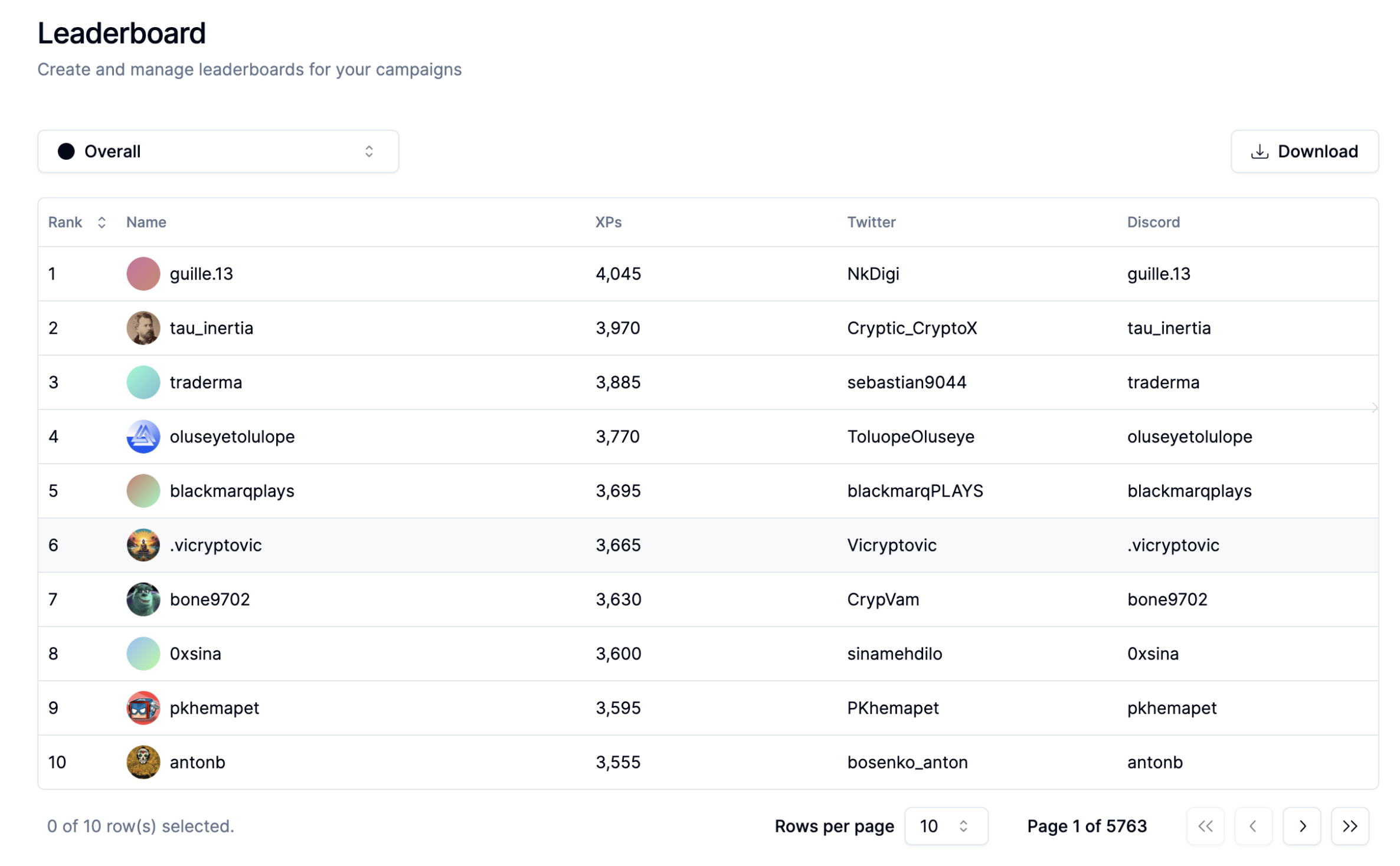
The leaderboard serves as a comprehensive representation of your community's activities. It's like a scoreboard that tracks and showcases each community member's progress, detailing their journey through all the quests they engage in within your Community Hub.
Create and Manage leaderboards for your Campaigns
The leaderboard is more than just a list - it's a dynamic record. All quest participants are listed there, and their position is determined by their "Rank". This rank isn't arbitrary. It's relative to all other participants and is determined by the amount of "XP Points" they've accumulated.
XP points are the currency of achievement in your Community Hub. They are awarded when a quest action has been fully verified, ensuring that they represent genuine effort and engagement. This means the XP points earned by your community members are a true representation of their level of engagement with your Community Hub.
By simply clicking download, all of these details will be sent to your email as a PDF. If you want, you can also filter it campaign-wise.
Individual User Tab
The leaderboard is also a gateway to more detailed information about each participant. By clicking on a particular user, you can see the amount of XPs they hold, the number of quests they have completed, their social IDs, their action history, and even their wallet address.