# Setting up Tasks
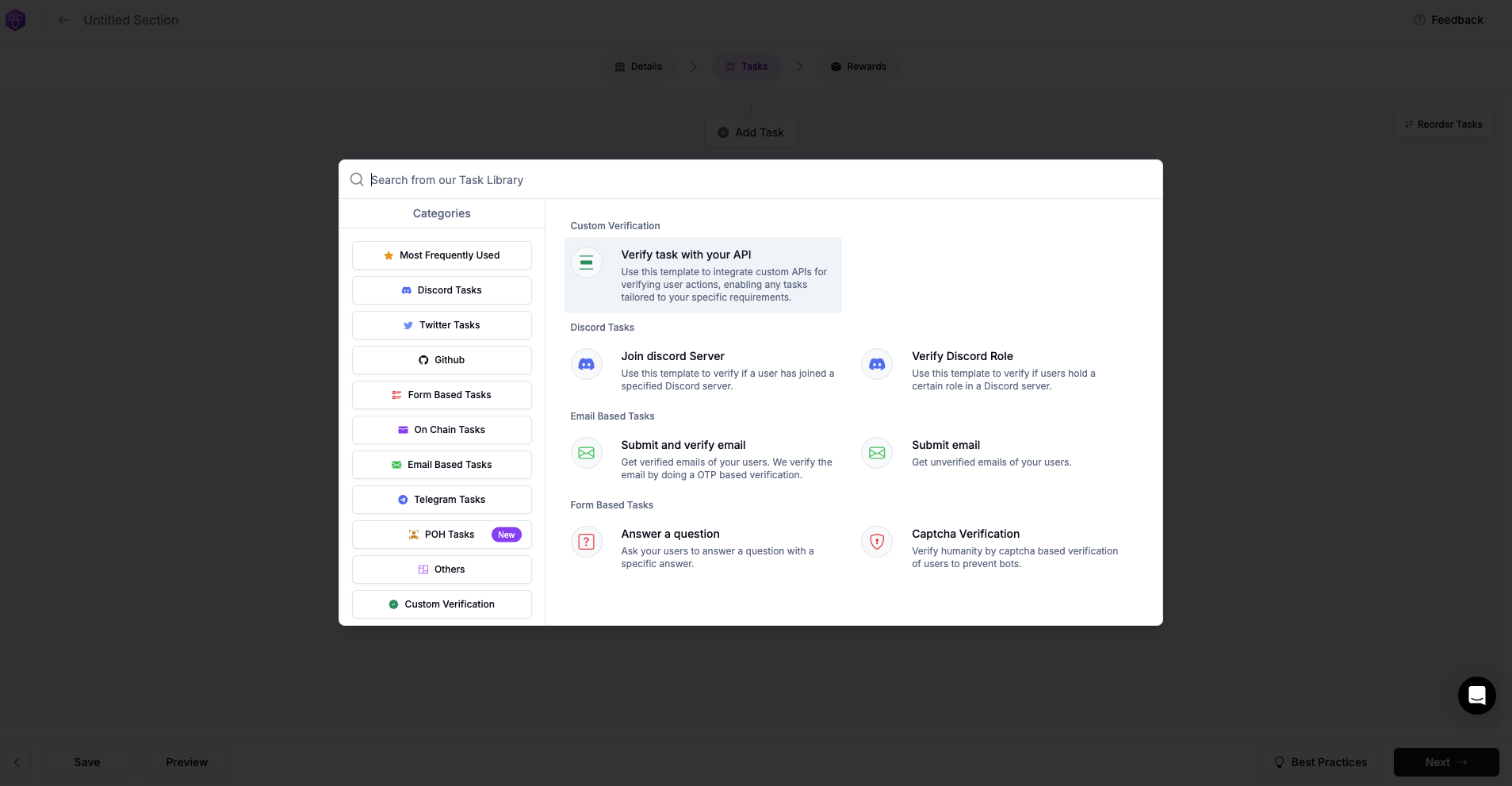
Setting up tasks requires careful planning. However, we've simplified the process to make it easier to execute. There's a wide range of tasks to choose from, don't be overwhelmed. We have task families that can help you sort tasks effectively and pick accordingly.
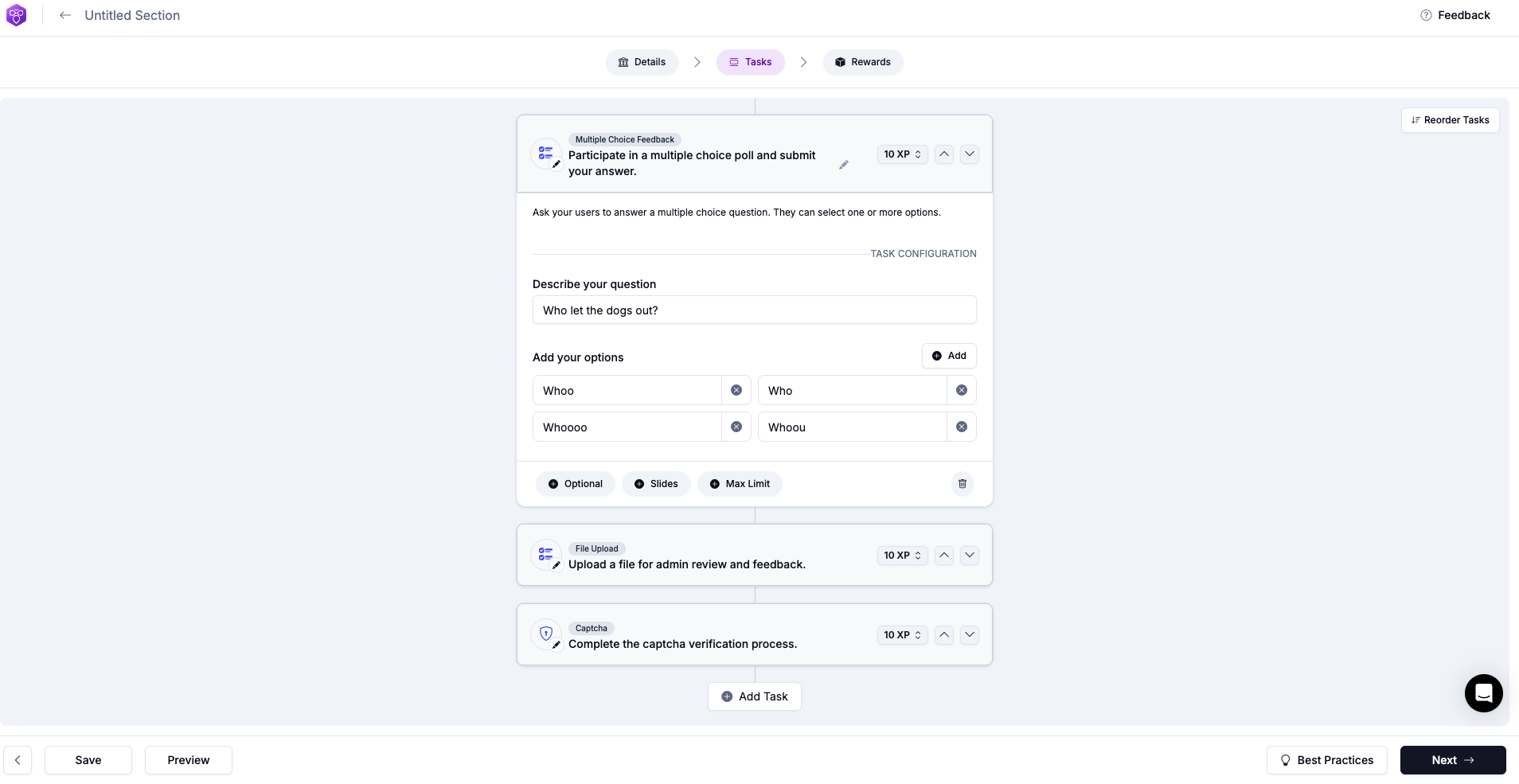
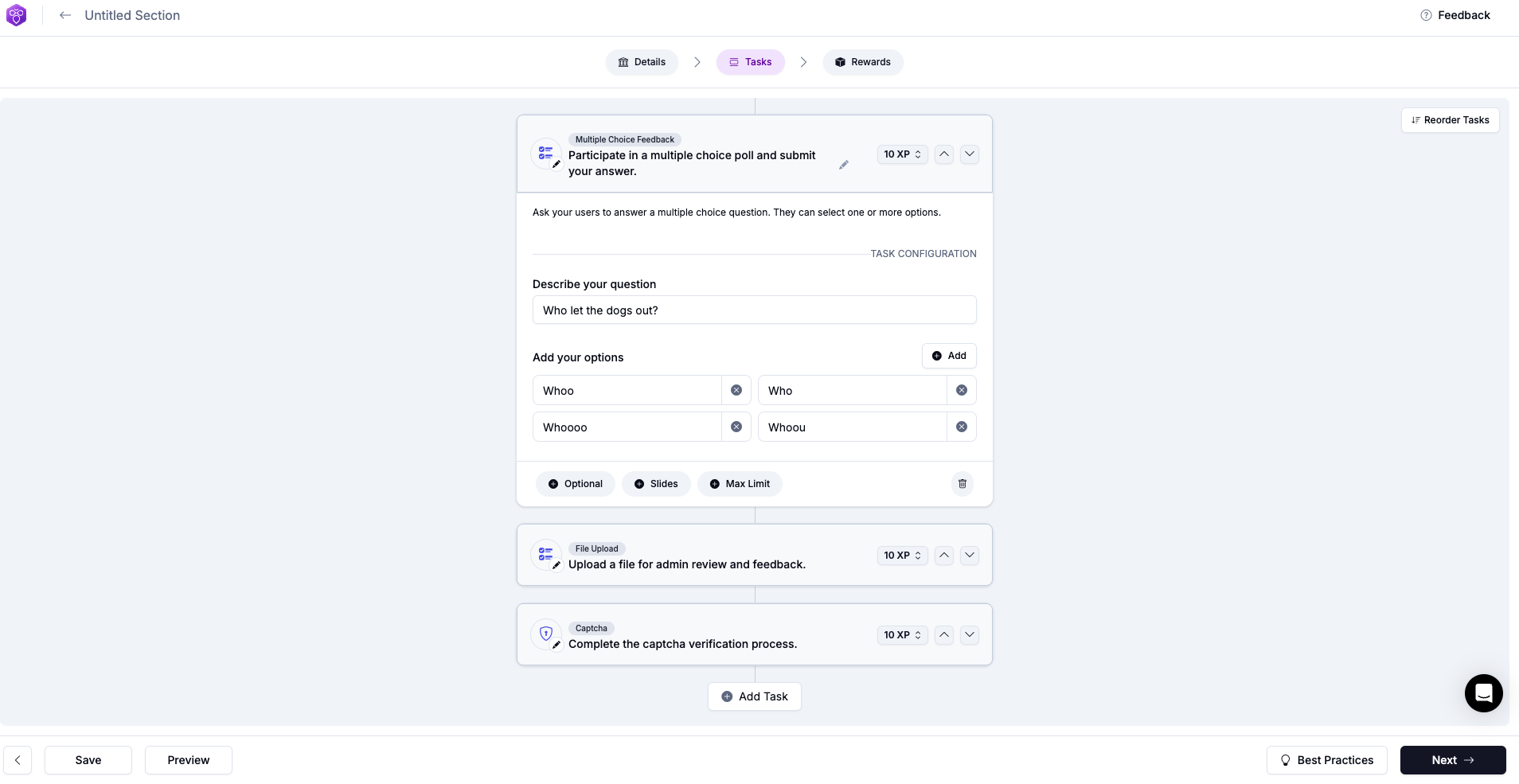
Setting up tasks is generally simple. For example, multiple choice questions. Add your question, provide your options, and determine the XP amount awarded upon user completion. You can make the task optional. The process may become slightly more complex for certain other tasks.
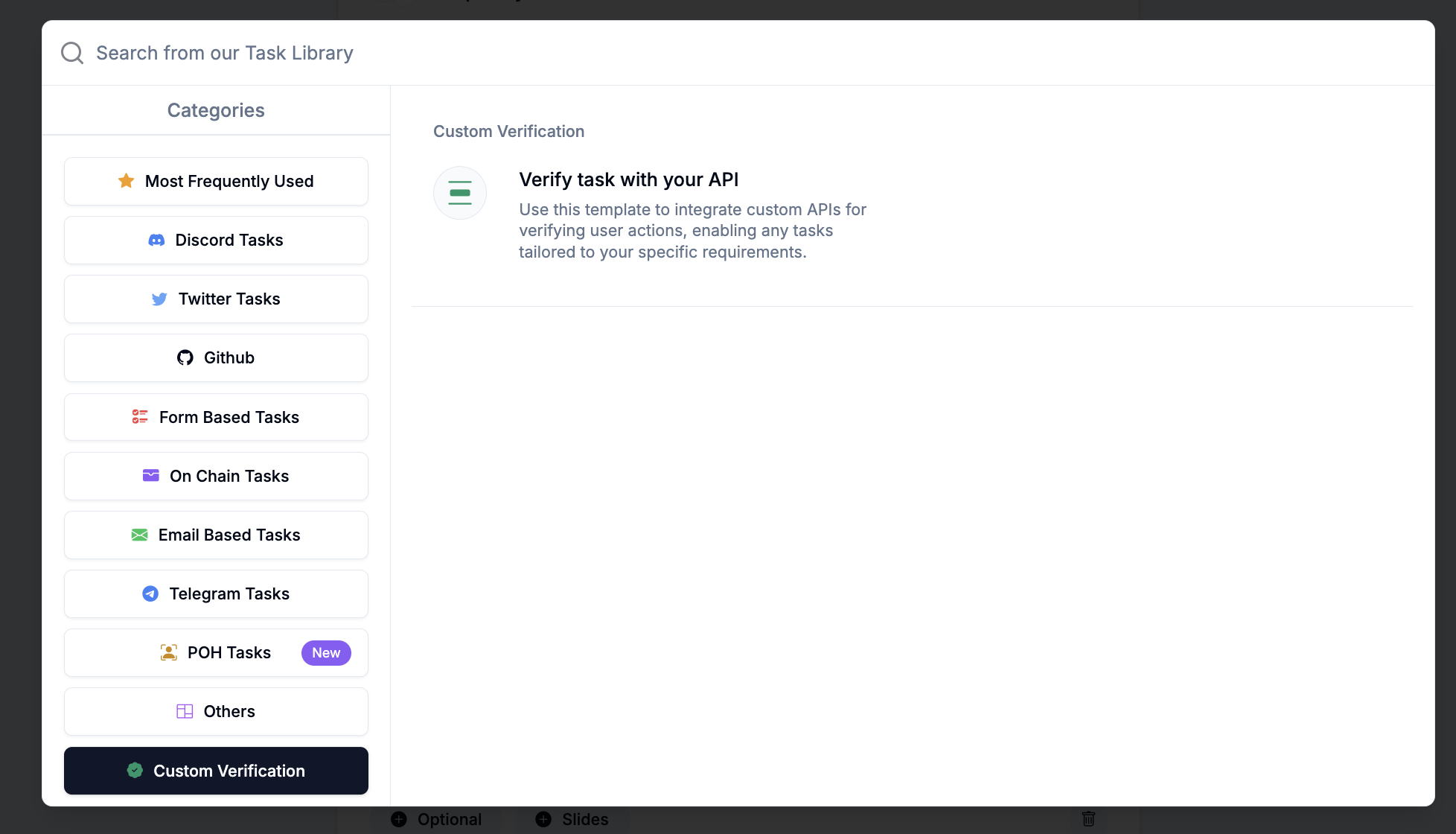
For example this task. While this task may initially appear complex, it essentially involves selecting a task and inputting the requested parameters. These could be as straightforward as "add a username for users to follow," or slightly more complex, such as "NFT chain IDs.”
You can also customize task details. For instance you can...
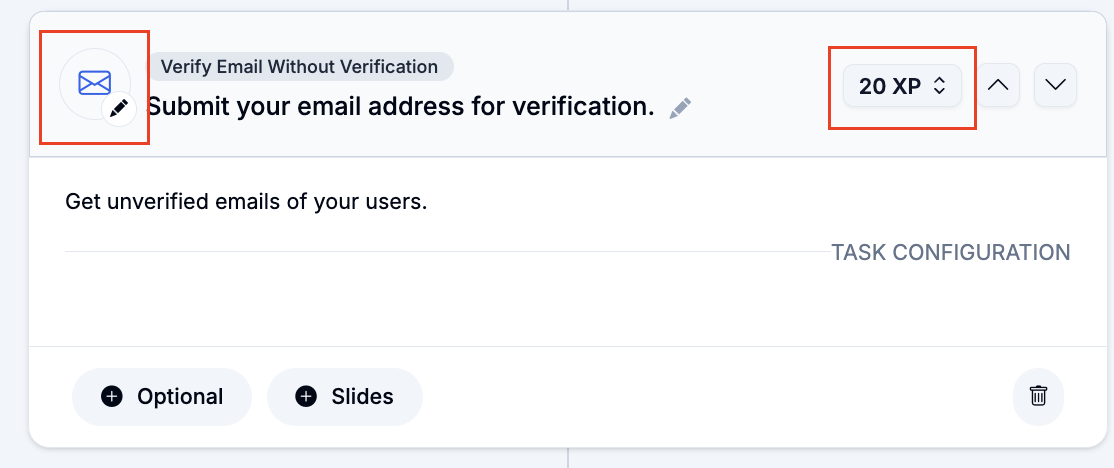
1. Customize icons by clicking on the ✏️ near a task icon on the top-left
2. Customize XP count of each task by clicking on the drop-down on the top-right
## Custom Verification