> For the complete documentation index, see [llms.txt](https://docs.intract.io/llms.txt). Markdown versions of documentation pages are available by appending `.md` to page URLs; this page is available as [Markdown](https://docs.intract.io/product-guide/community-hub-guides/quests/launching-your-quests/setting-up-tasks/how-to-implement-on-chain-tasks.md).
# How to implement On-Chain Tasks
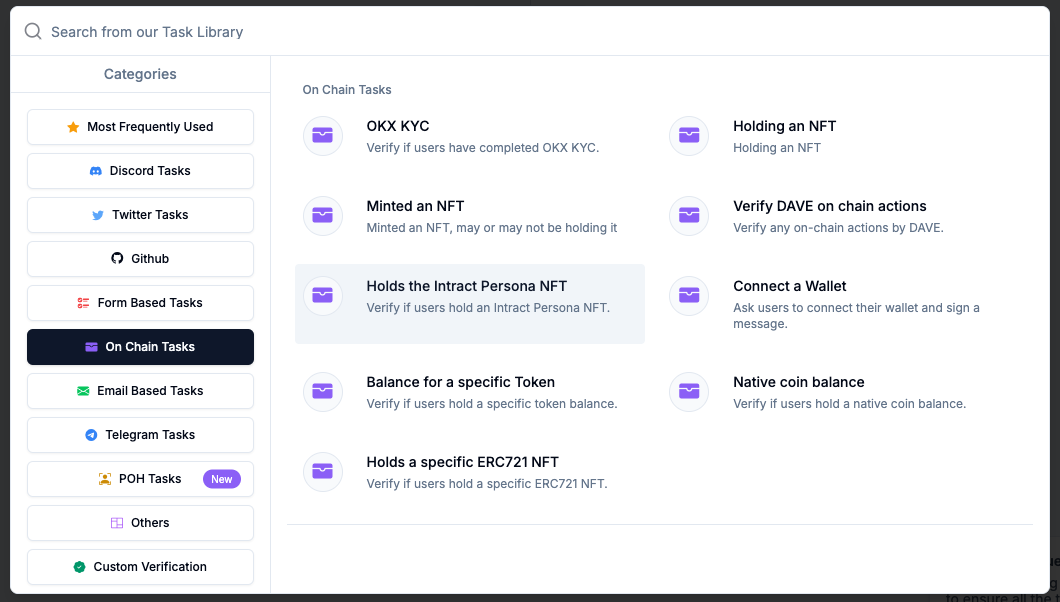
Creating on-chain tasks and acquiring users with specific on-chain activity is made easy with Intract.
Our tasks can help you verify whether your questers...
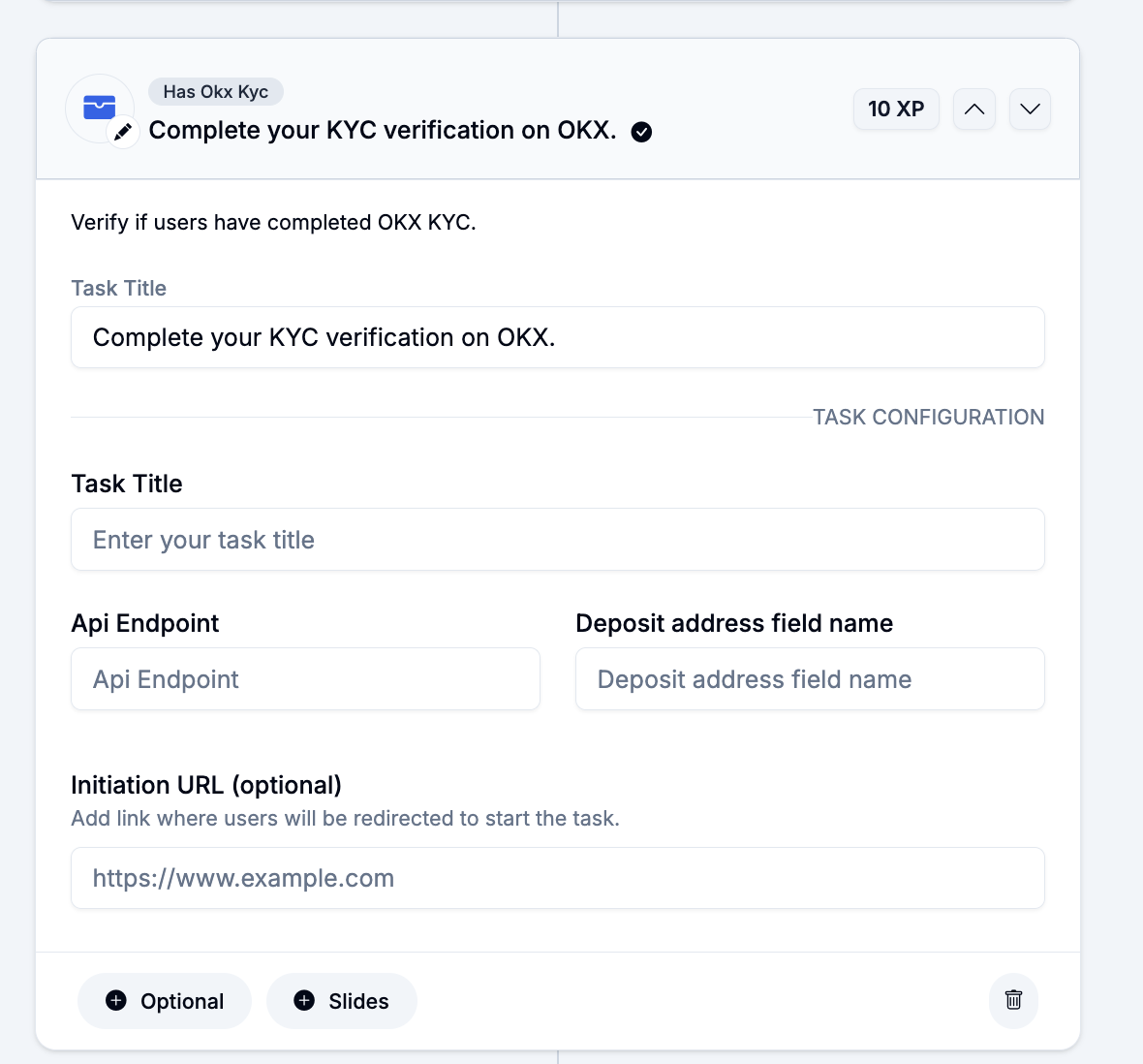
## Verify OKX KYC
1. Enter the task title to be displayed, Api Endpoint, address, field name, and Initiation URL
2. **API Endpoint** is the URL that OKX provides to check if a specific user’s KYC is completed
3. **Address Field Name:** If a user has completed their KYC or other tasks on a platform like OKX, the system may need to match a specific piece of user data (such as a wallet or deposit address) to confirm their identity or transaction
4. **Initiation URL (optional):** If you want the user to do the OKX KYC and verify the task on the go, we suggest that you add the url that redirects the user to its website
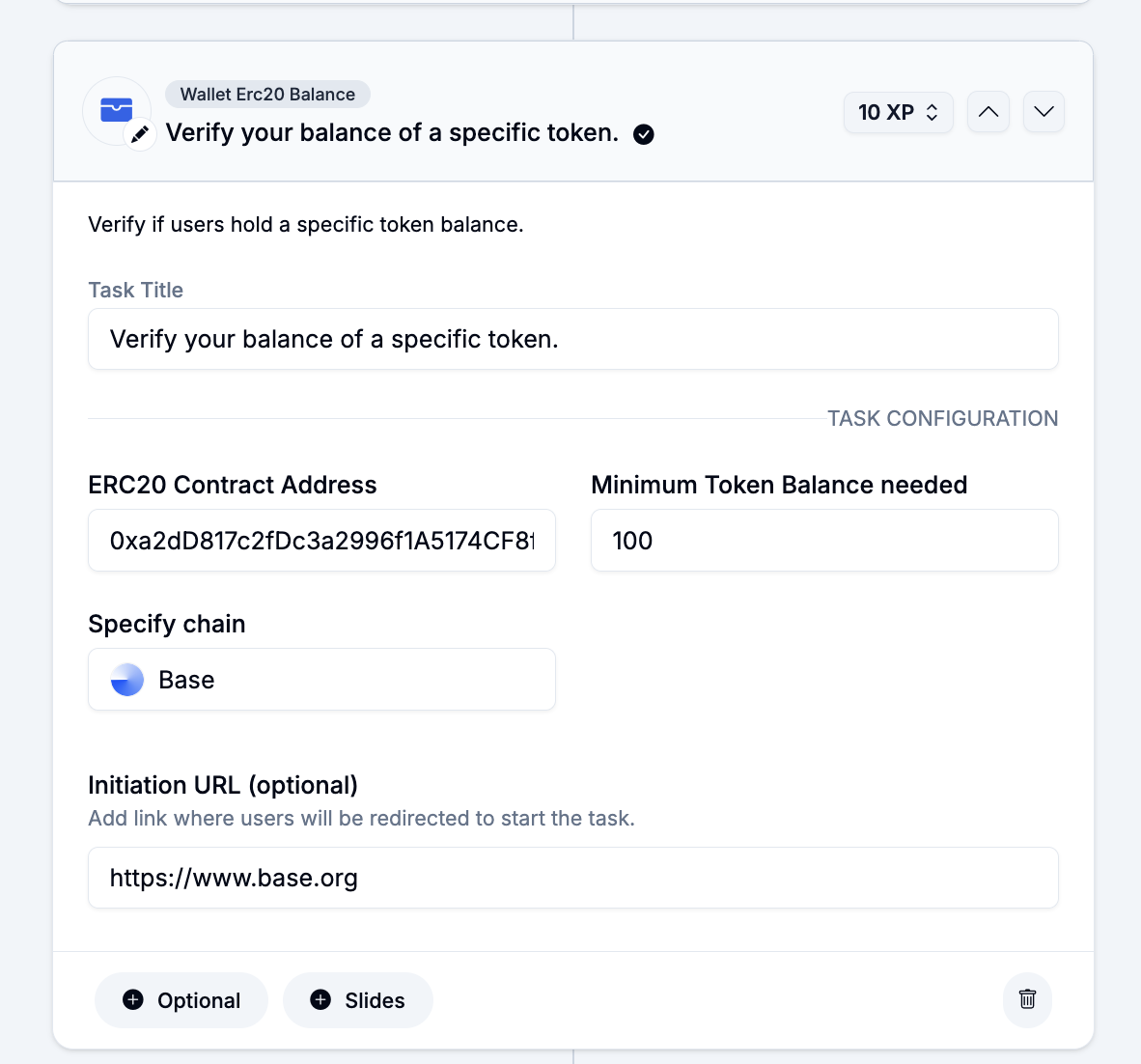
## Holds a Specific Amount of Balance
### 1. On a Token
Enter the task title to be displayed, ERC20 contract address of the token, minimum token balance needed to verify the task, the chain on which the token is held, and the initiation URL (optional).
### 2. On A Chain's Native Coin
Similar to the previous task template, you can use this task template to confirm the minimum balance on a specific chain's native coin.
## Interacted with NFTs
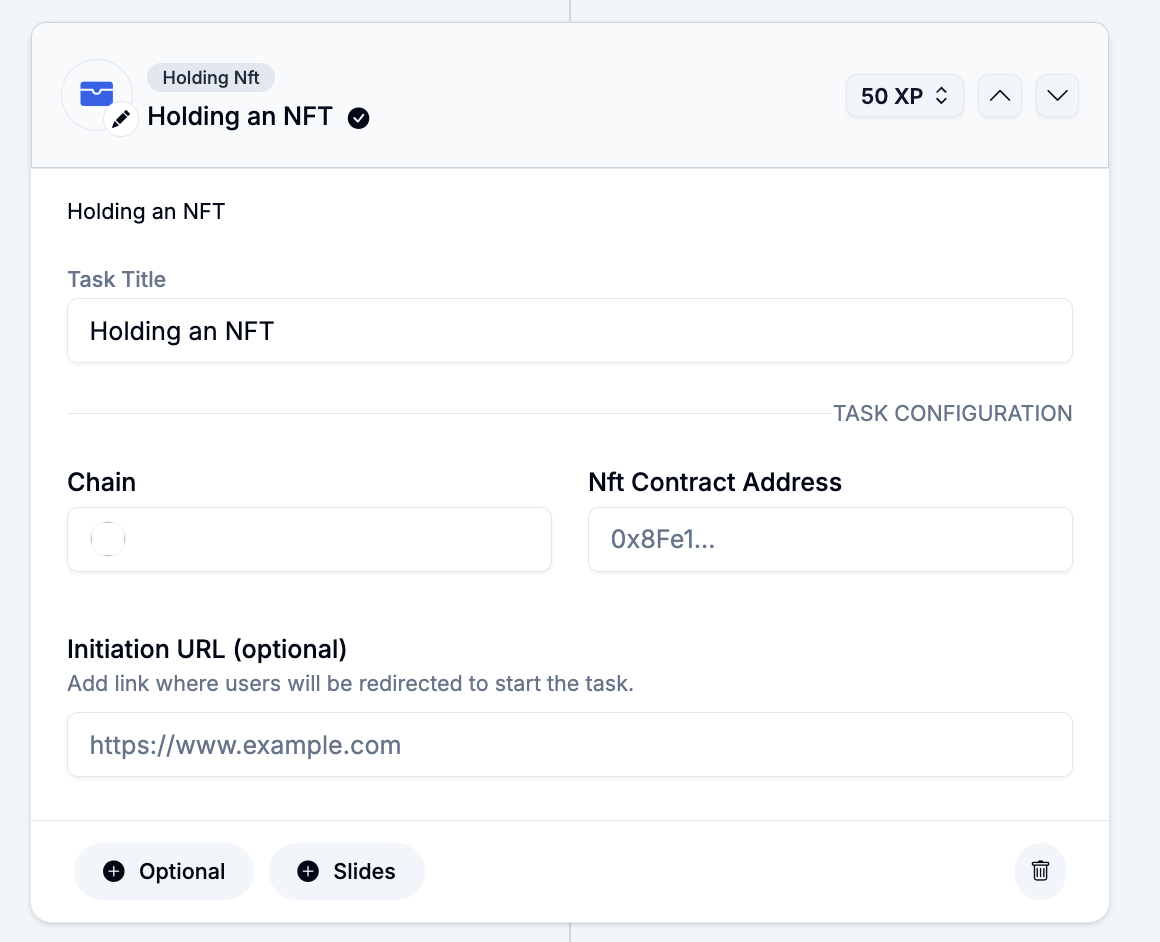
### 1. Holds an NFT
This task template lets you know whether or not the user holds an NFT currently.
1. Add the Task Title to be displayed , the chain on which the NFT is held, NFT's contract address, and the initiation URL
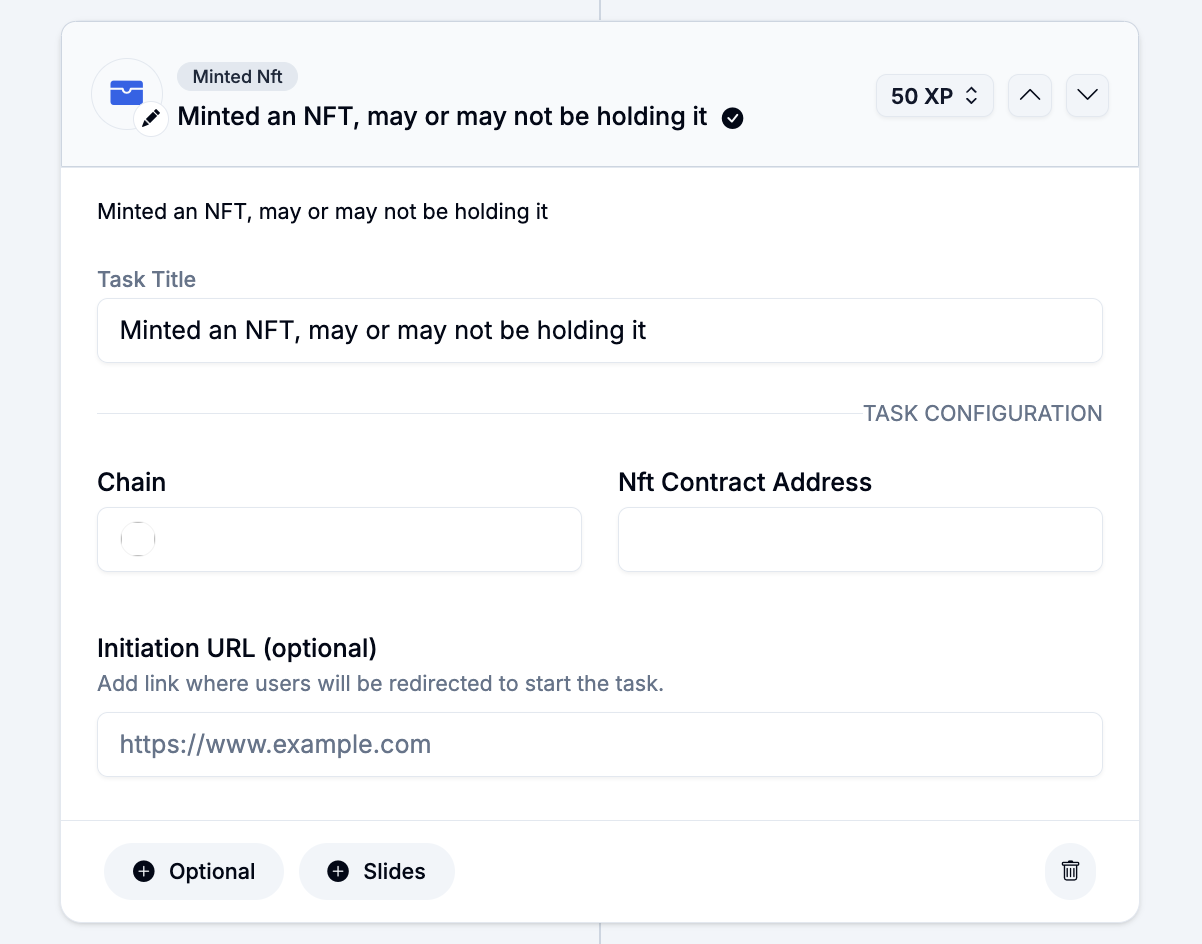
### 2. Minted an NFT
This template lets you additionally target users that minted an NFT but might have sold it.
1. Add the Task Title to be displayed , the chain on which the NFT was held, NFT's contract address, and the initiation URL
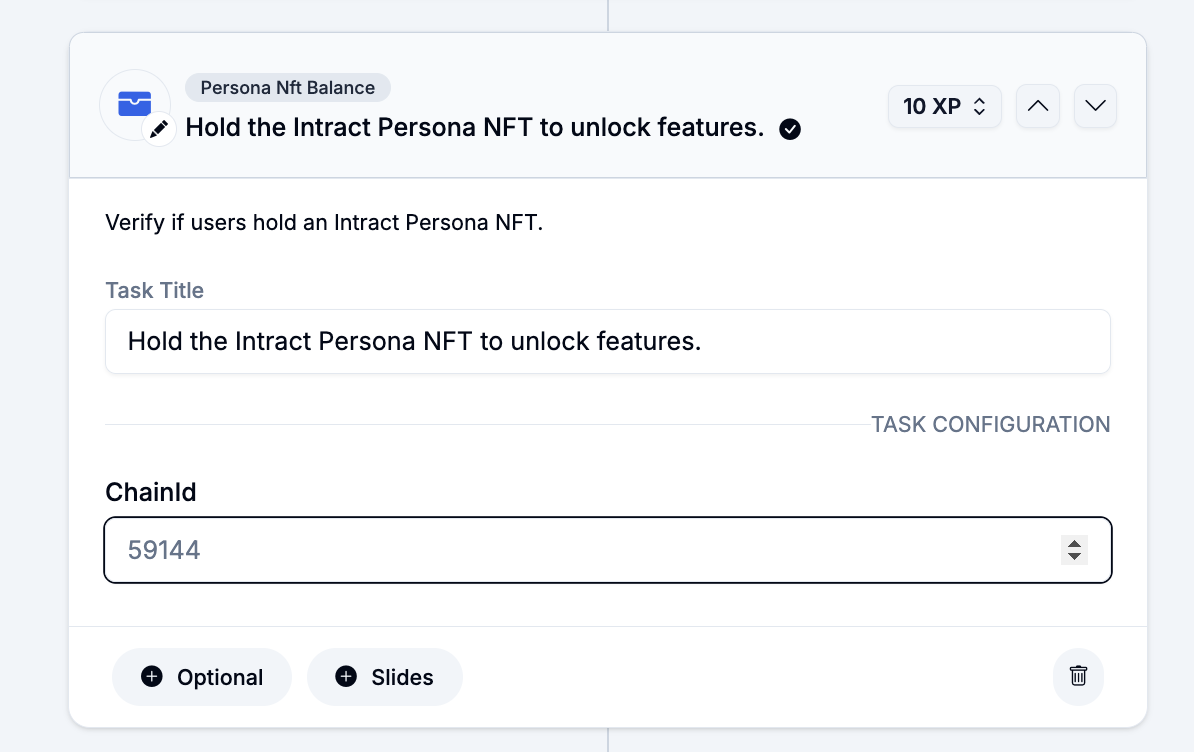
### 3. Holds the Intract Persona NFT
Intract has built its [persona NFT](https://app.intract.io/proof-of-humanity) to ensure that your user base is bot-less without compromising your users' privacy.
1. Add the task title and the specific chainId to continue
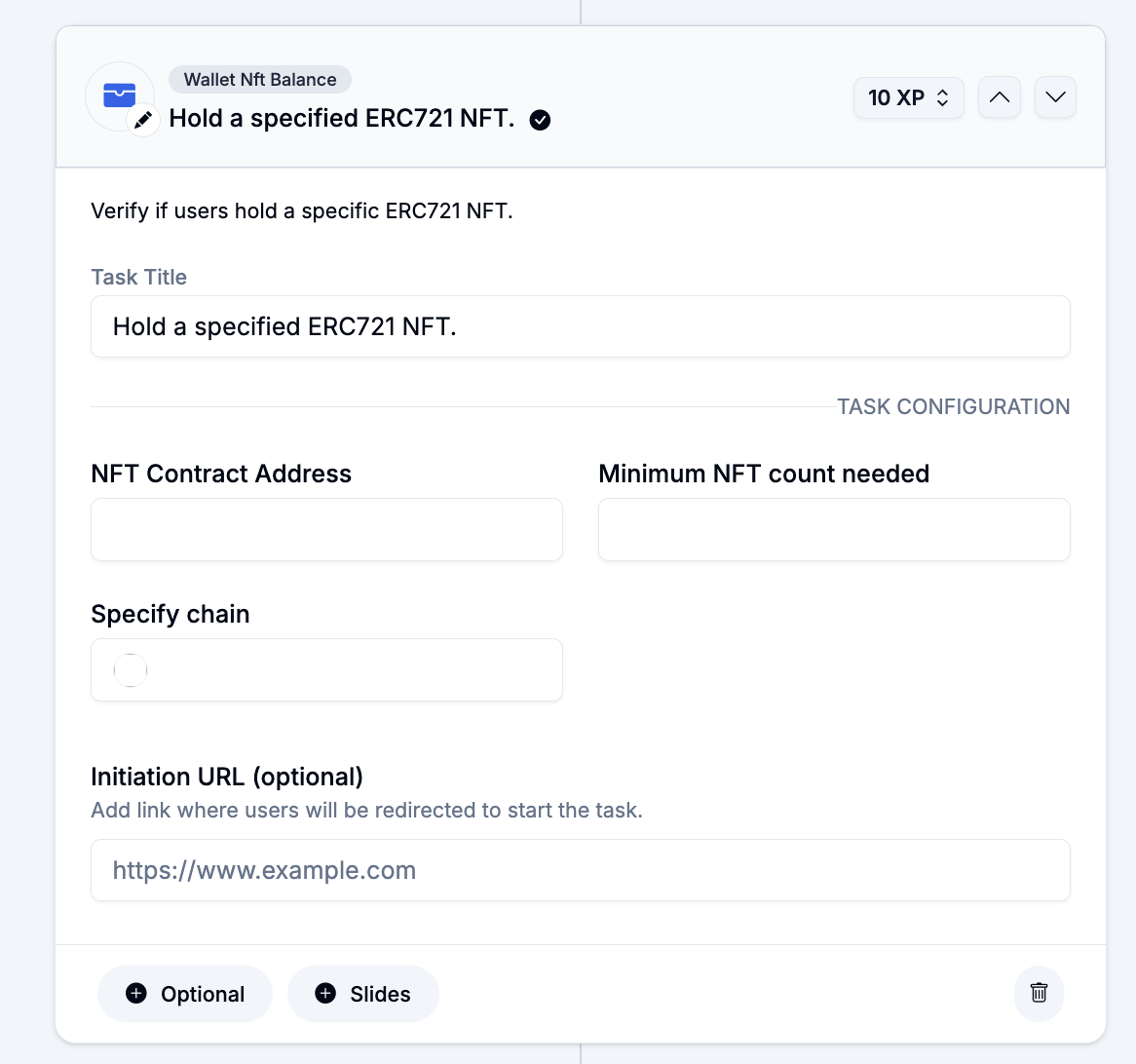
### 5. Holds a Specified ERC721 NFT
This task template lets you know how many NFTs does the user hold out of your specified ERC721 NFT. Add the task title, ERC721 NFT contract address, minimum count, NFT's chain, and initiation URL (optional) to continue
## Done On-Chain Tasks on [DAVE](/product-guide/tools-guides/dave-no-code-task-verification.md)
DAVE (Dynamic Auto Verification Engine) is Intract's no-code On-chain task verification feature. Here is how you create a DAVE query and use it verify on-chain tasks without writing any code...
{% embed url="" %}
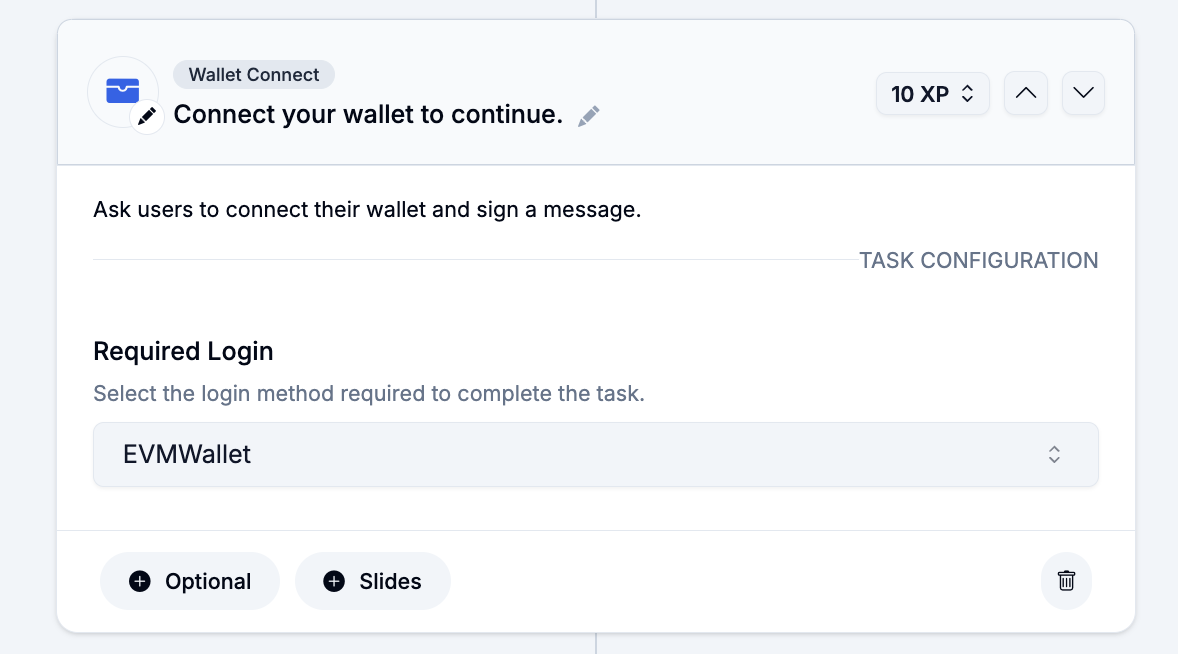
## Connected their Wallet
To ensure that your quest's users have a connected wallet, you can add this task template and specify the kind of wallet among EVM, Starknet, Keplr, Solana, and TON.